Getting started
Dashboard and invitations
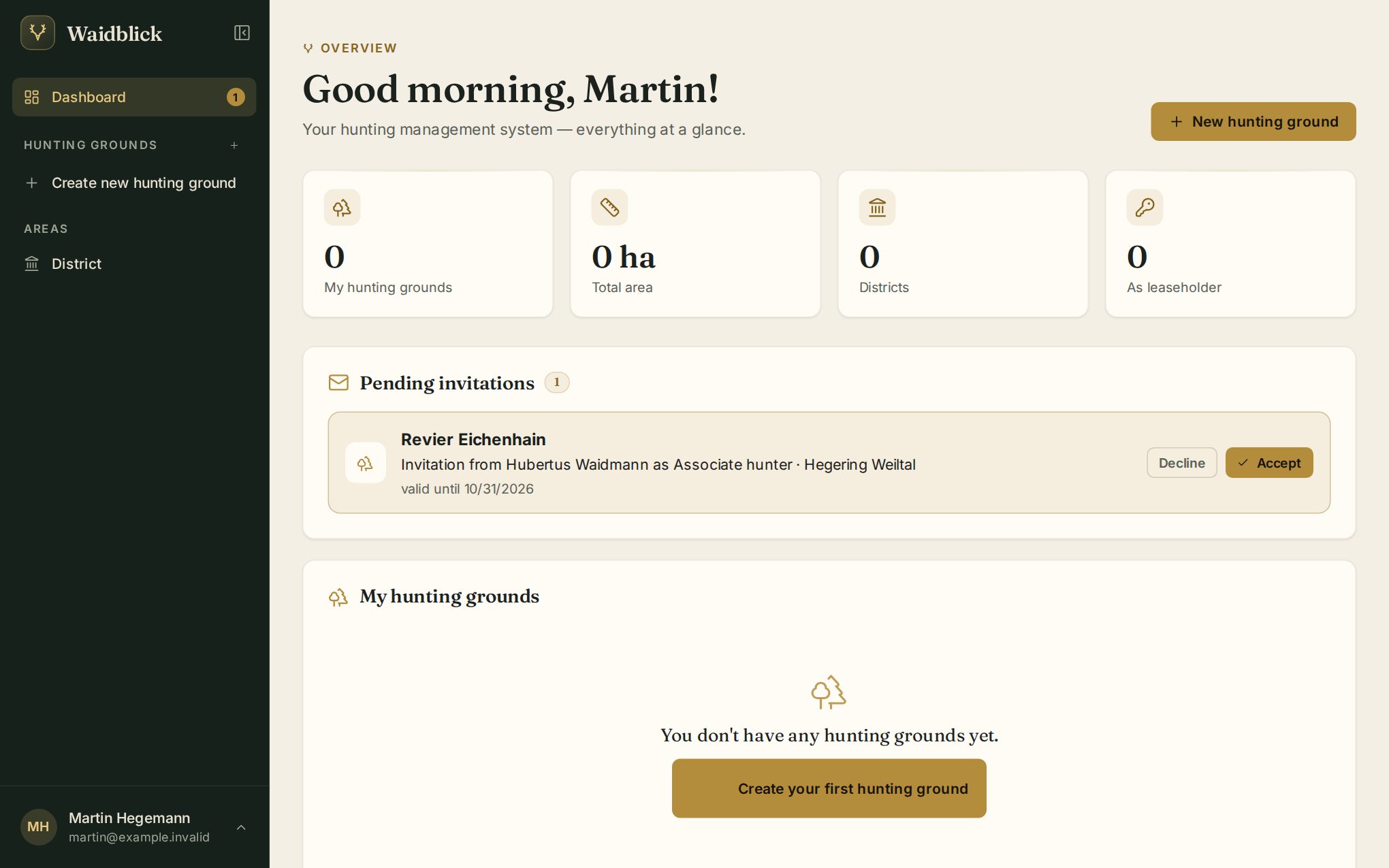
After signing in you land on the dashboard. It shows your hunting grounds and pending invitations at a glance.
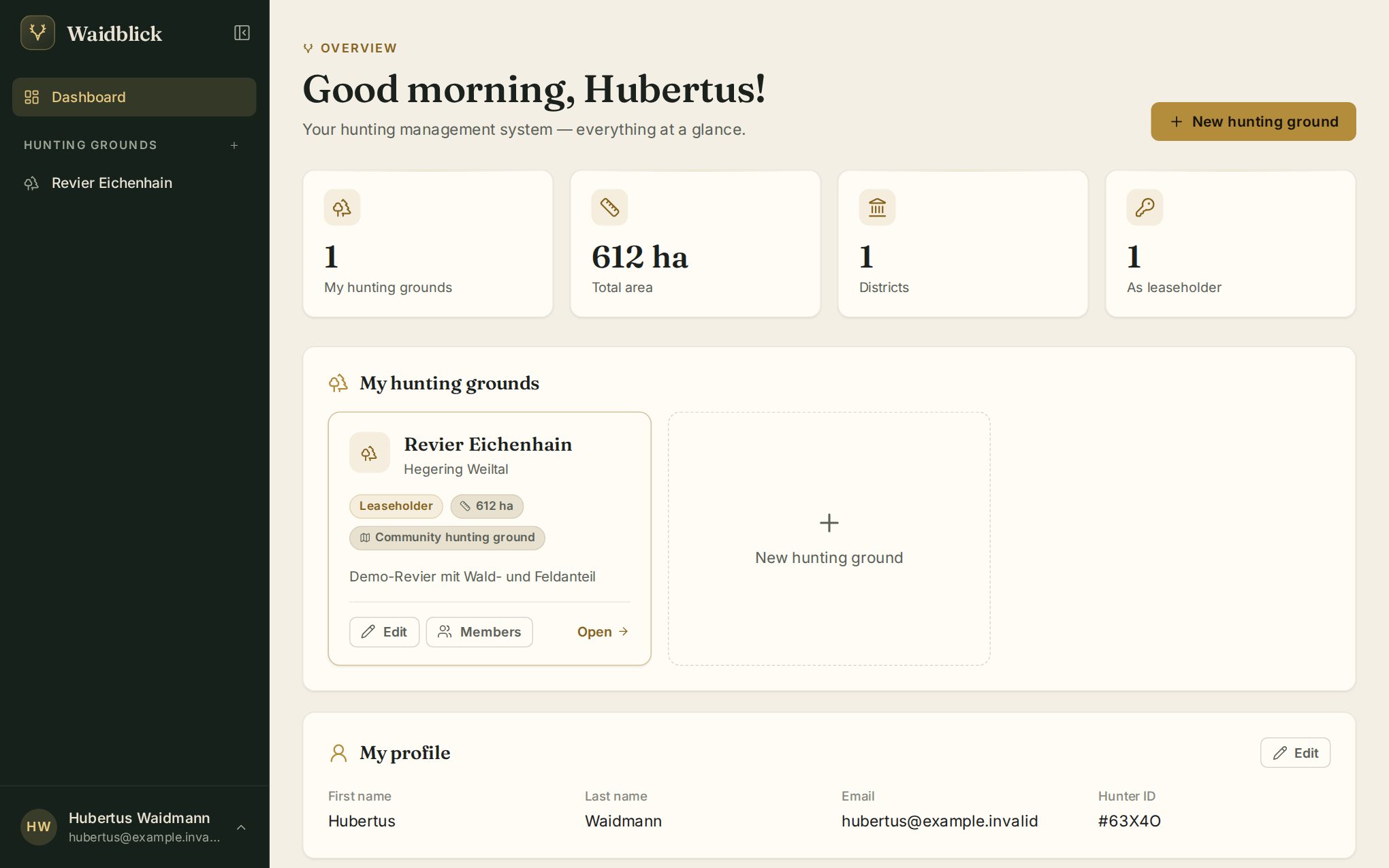
- Key figures at the top: number of hunting grounds, total area, districts and in how many grounds you are leaseholder.
- My hunting grounds: one tile per ground with your role, size and type. Open takes you into the ground. Leaseholders and co-leaseholders also get Edit and Members, which open the most important settings right here as a dialog.
- New hunting ground creates another ground (see Create a hunting ground).
- My Profile shows your details and your hunter ID – a short code that lets others identify you.
Accepting an invitation
A leaseholder or co-leaseholder invites you to their ground by email address. You receive an email with a link.
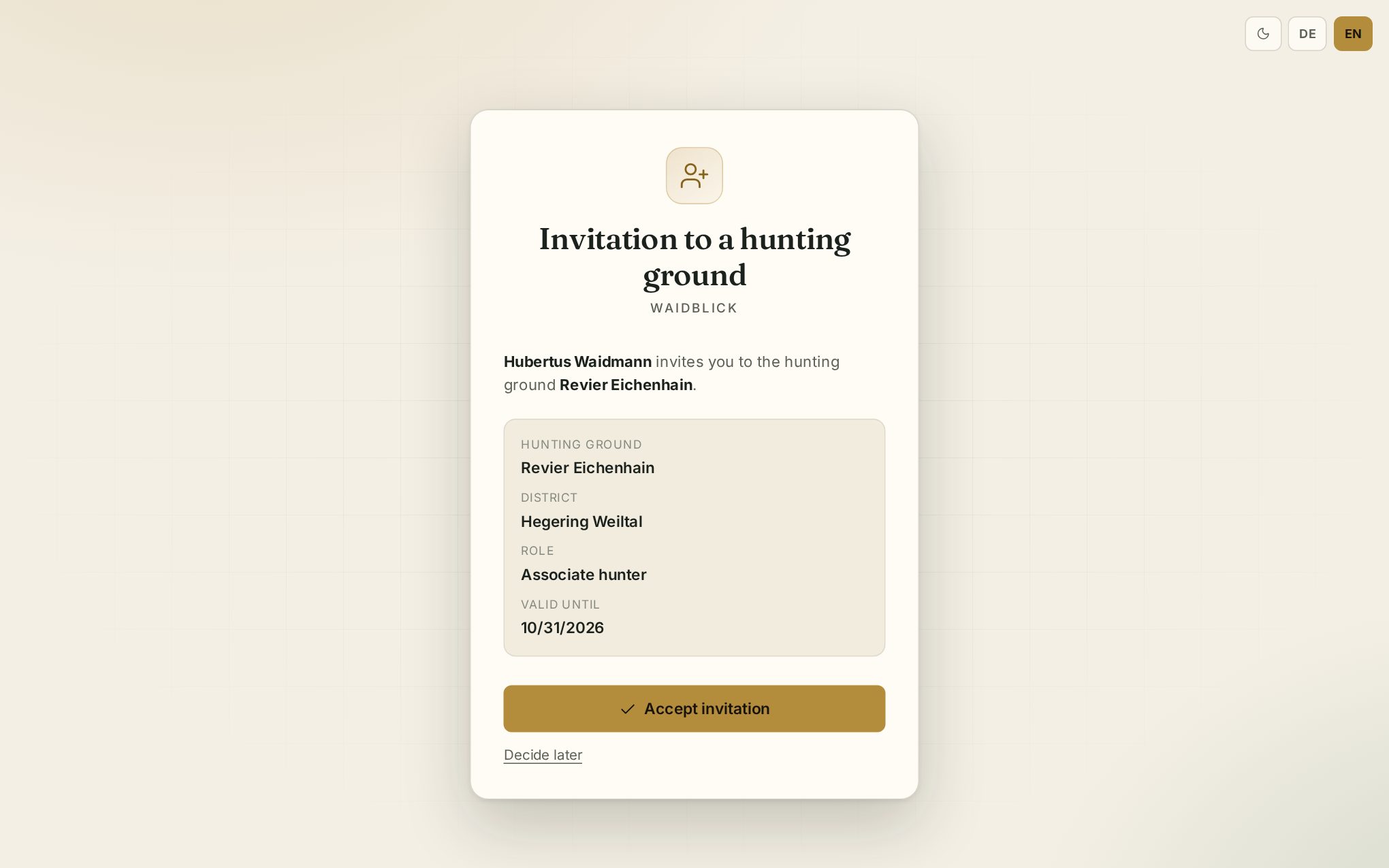
- You already have an account: the link opens the invitation. Check ground, district and role and tap Accept invitation.
- You do not have an account yet: choose No account yet? Register. Your email address is filled in; after confirming it you can accept the invitation.
Pending invitations are also shown on the dashboard with Accept and Decline. A small number next to “Dashboard” in the menu tells you how many invitations are waiting.