Smartphone app
Driven hunt on the smartphone
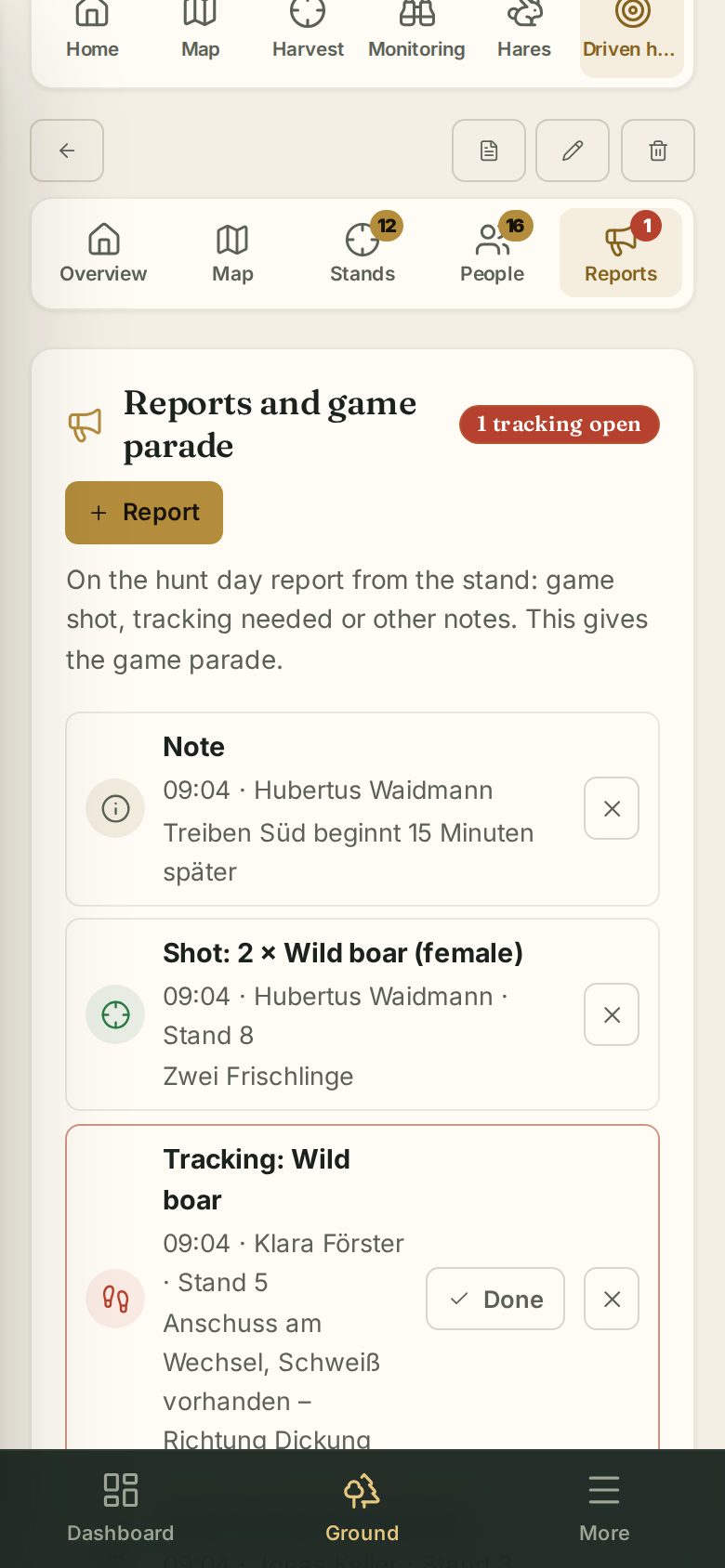
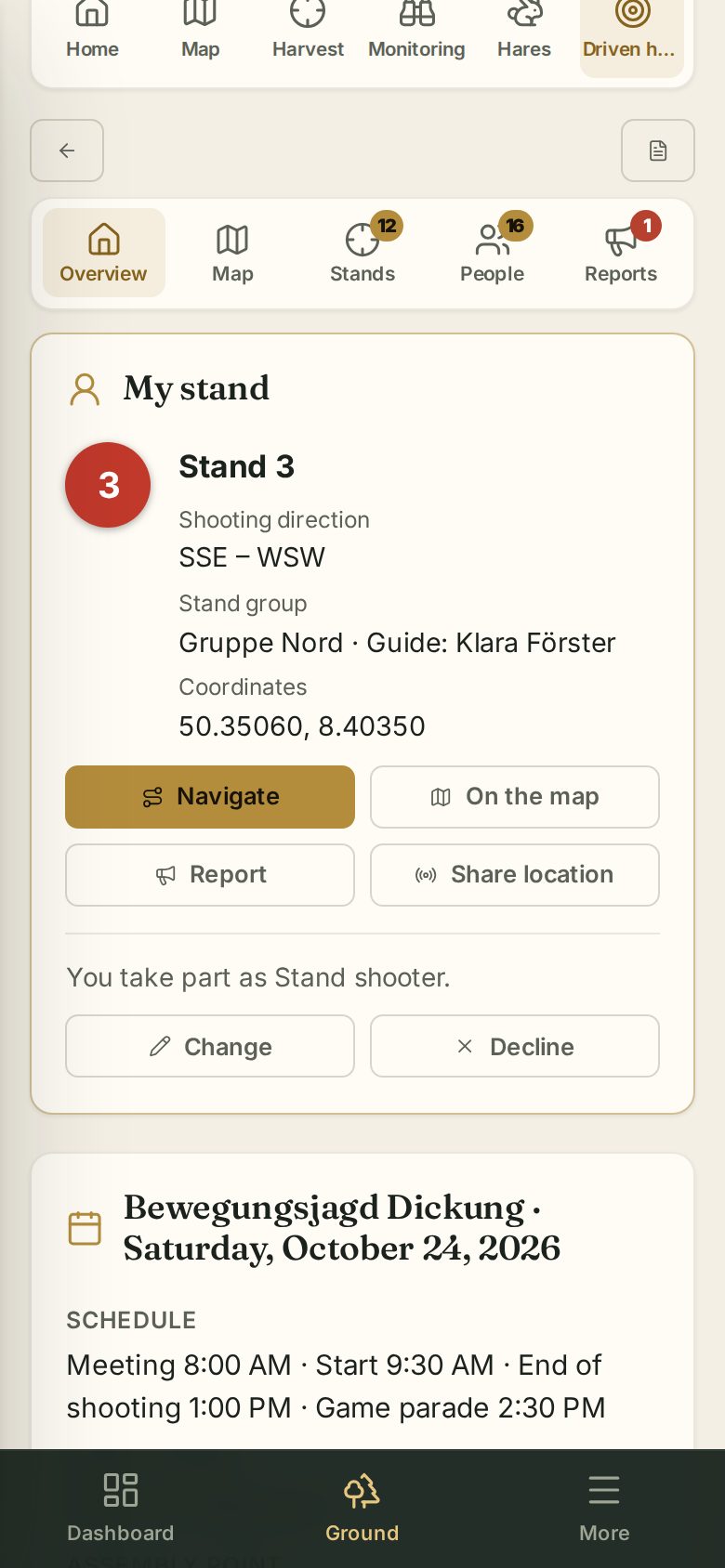
On the smartphone a driven hunt is split into tabs. The numbers on the tabs show how many stands, participants and open reports there are.
| Tab | Content |
|---|---|
| Overview | My stand or my participation, details, invite and notify |
| Map | The stand map in full screen |
| Stands | Stands, drives and stand groups as a compact list |
| People | Participants with role and hunting license status |
| Reports | Reports and game parade |
The buttons at the top (back, offline, PDF, details, delete) are shown as icons.
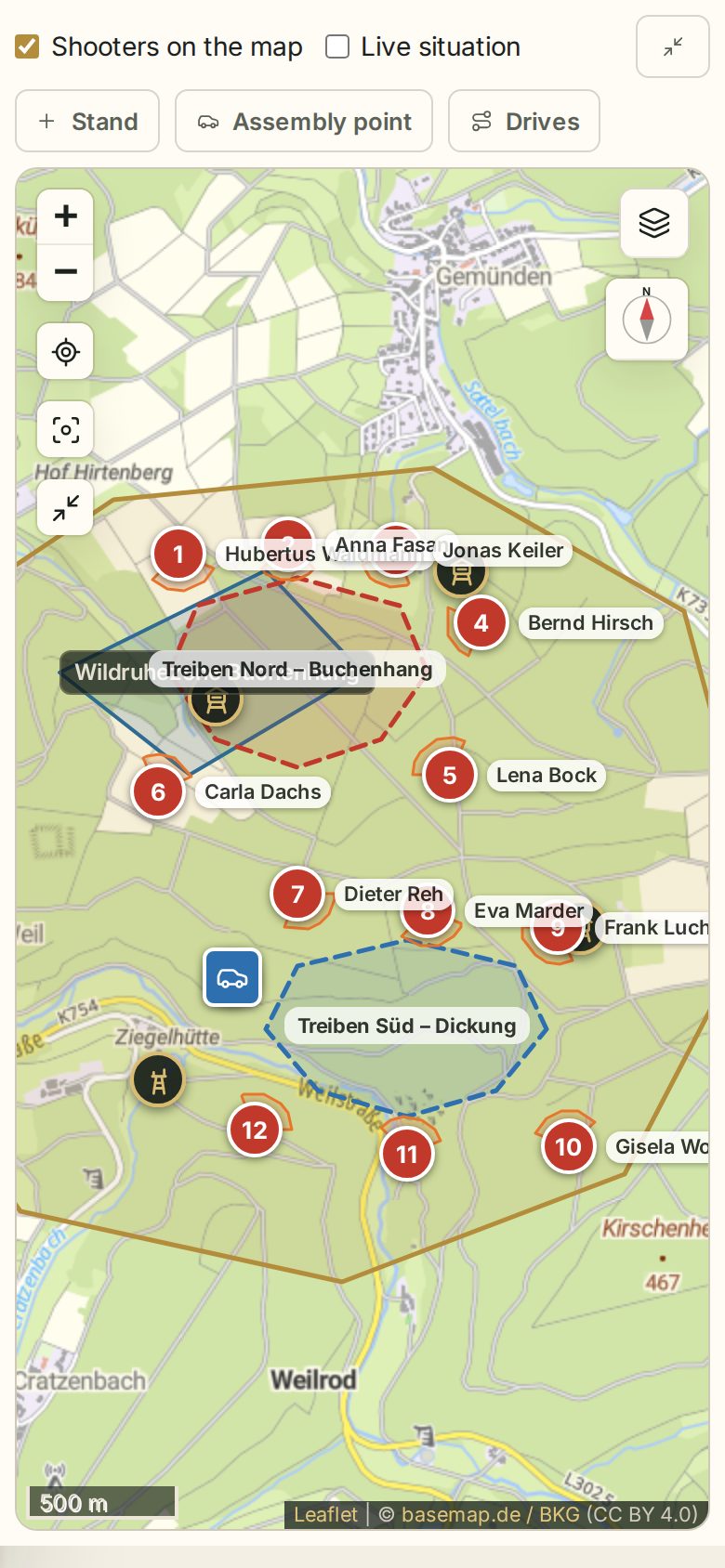
Map in full screen
The Map tab always opens the stand map in full screen. The tools have short names: Stand, Assembly point, Drive, Stands (take over driven hunt stands). The symbol at the top right closes full screen again (as does the phone's back gesture). Waidblick remembers the base map and layers.
Stands and people
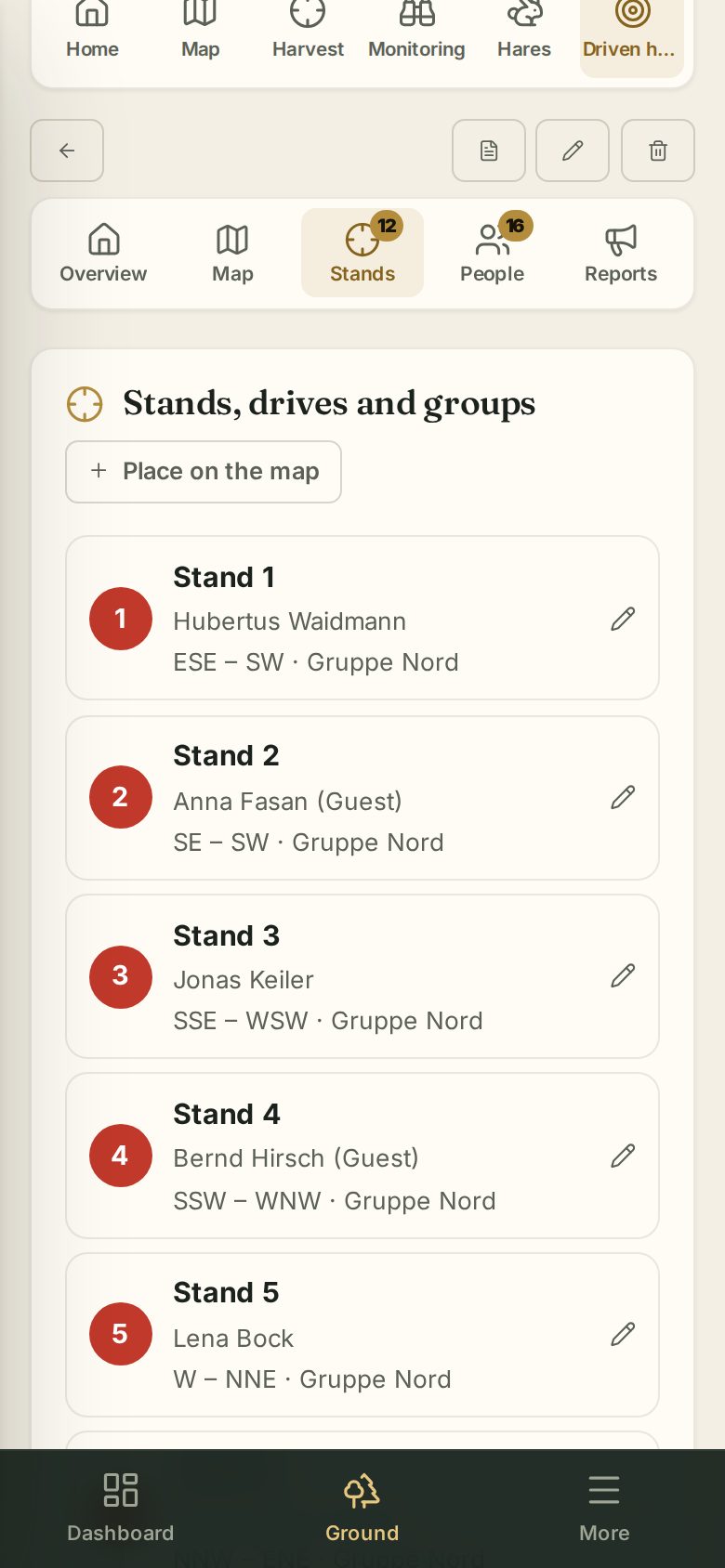
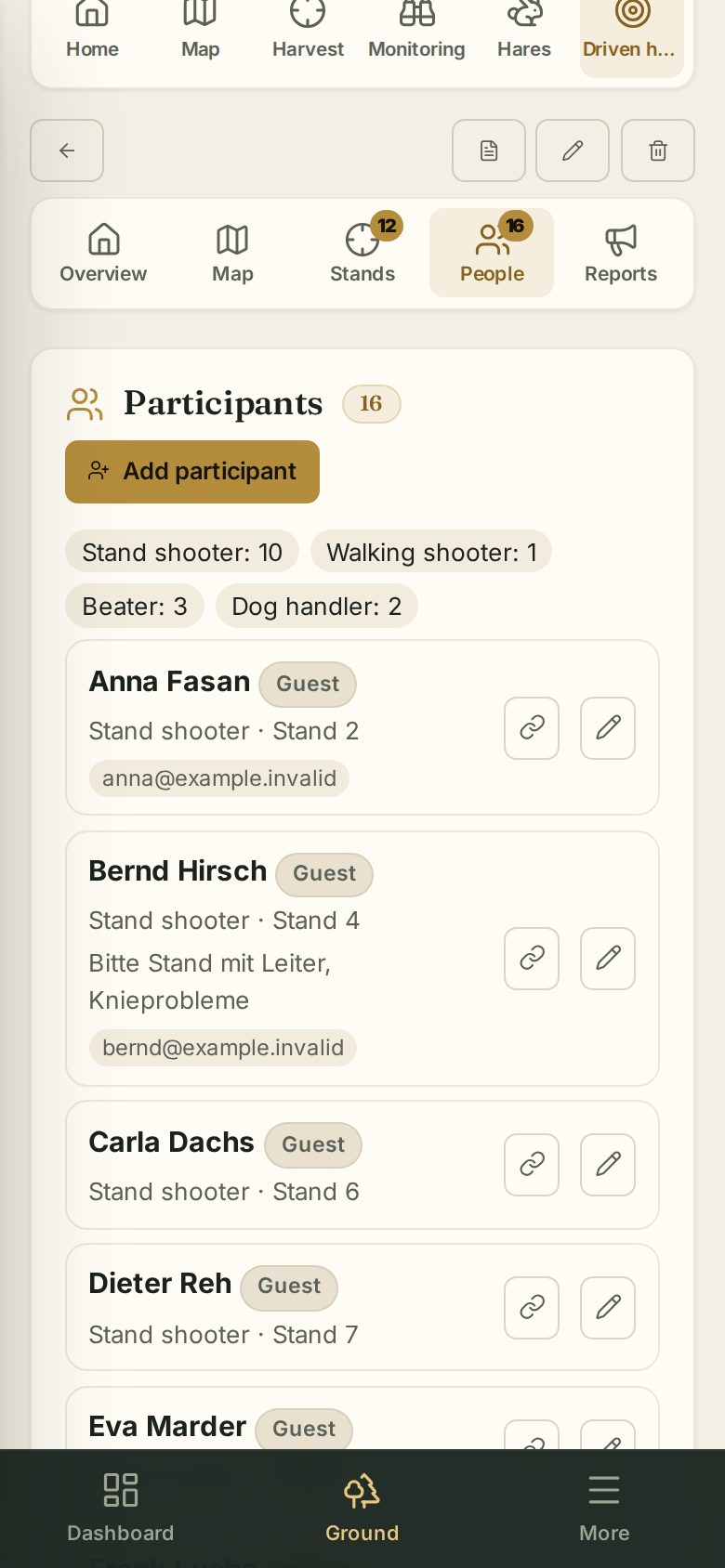
Under Stands, Place on the map adds a new stand directly in the full-screen map.
Reports on the hunt day
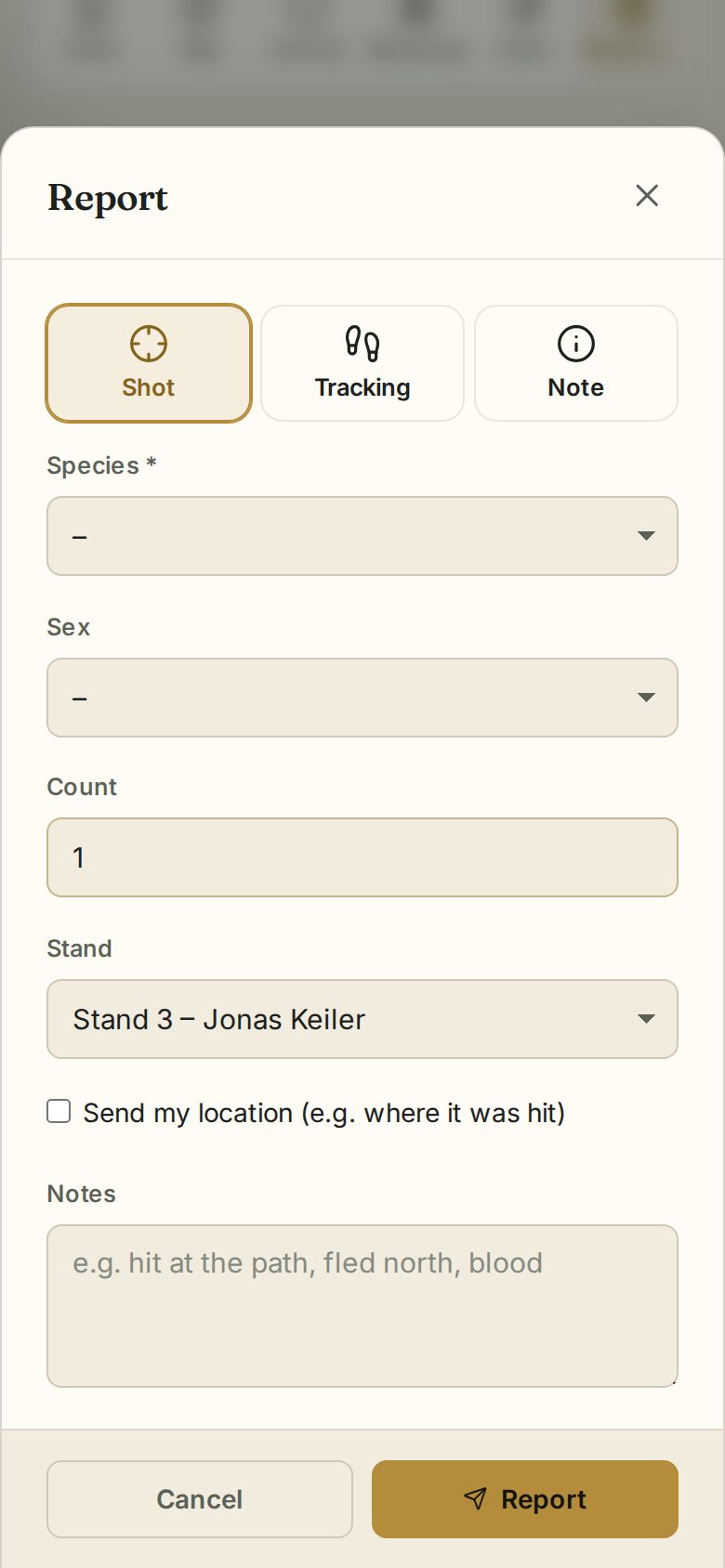
Under Overview (in “My stand”) or Reports tap Report: Shot, Tracking or Note. Send my location marks e.g. the spot of a hit.