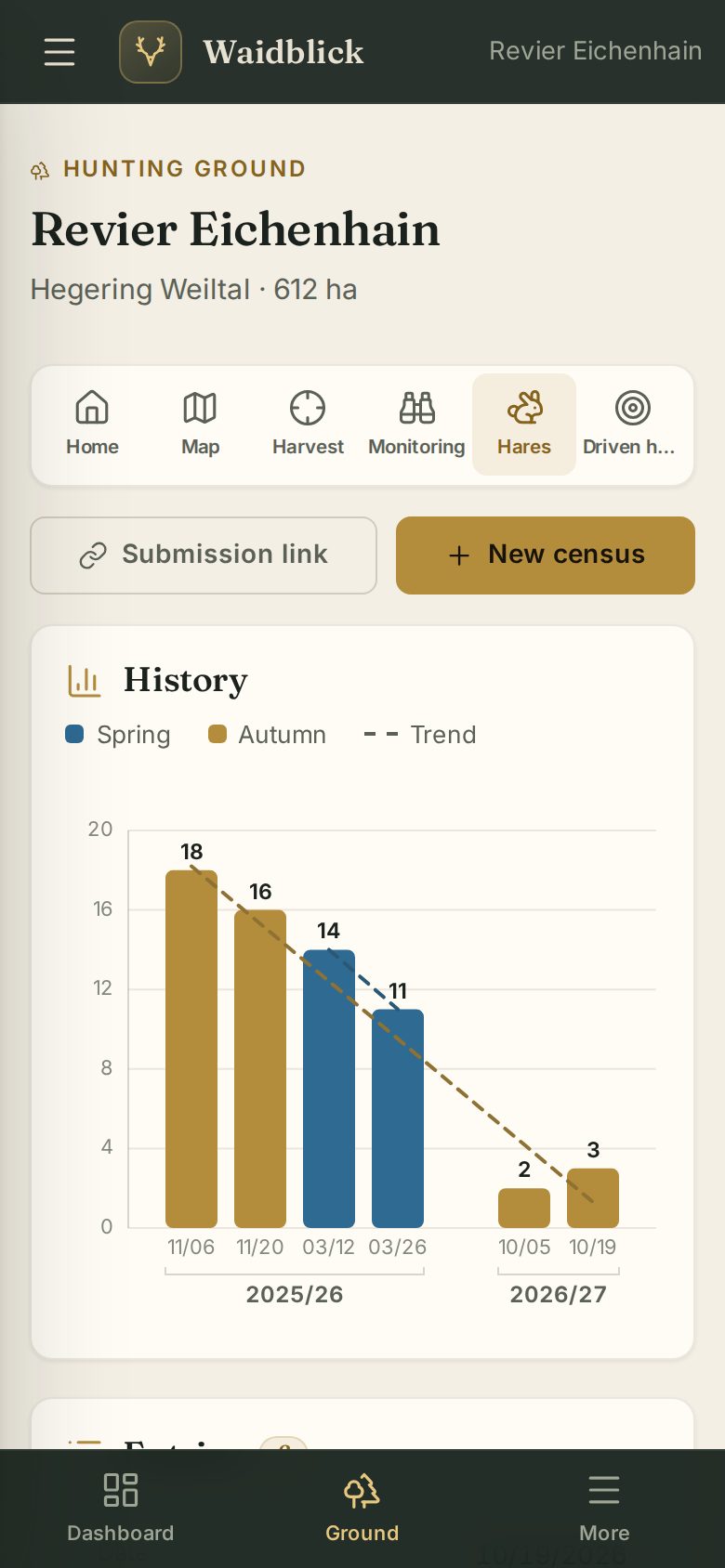
Smartphone app
Recording harvest, sightings and hares
Out in the field, recording on the smartphone is fastest. All three kinds of records also work without a signal – Waidblick sends them as soon as the connection is back.
Recording harvest
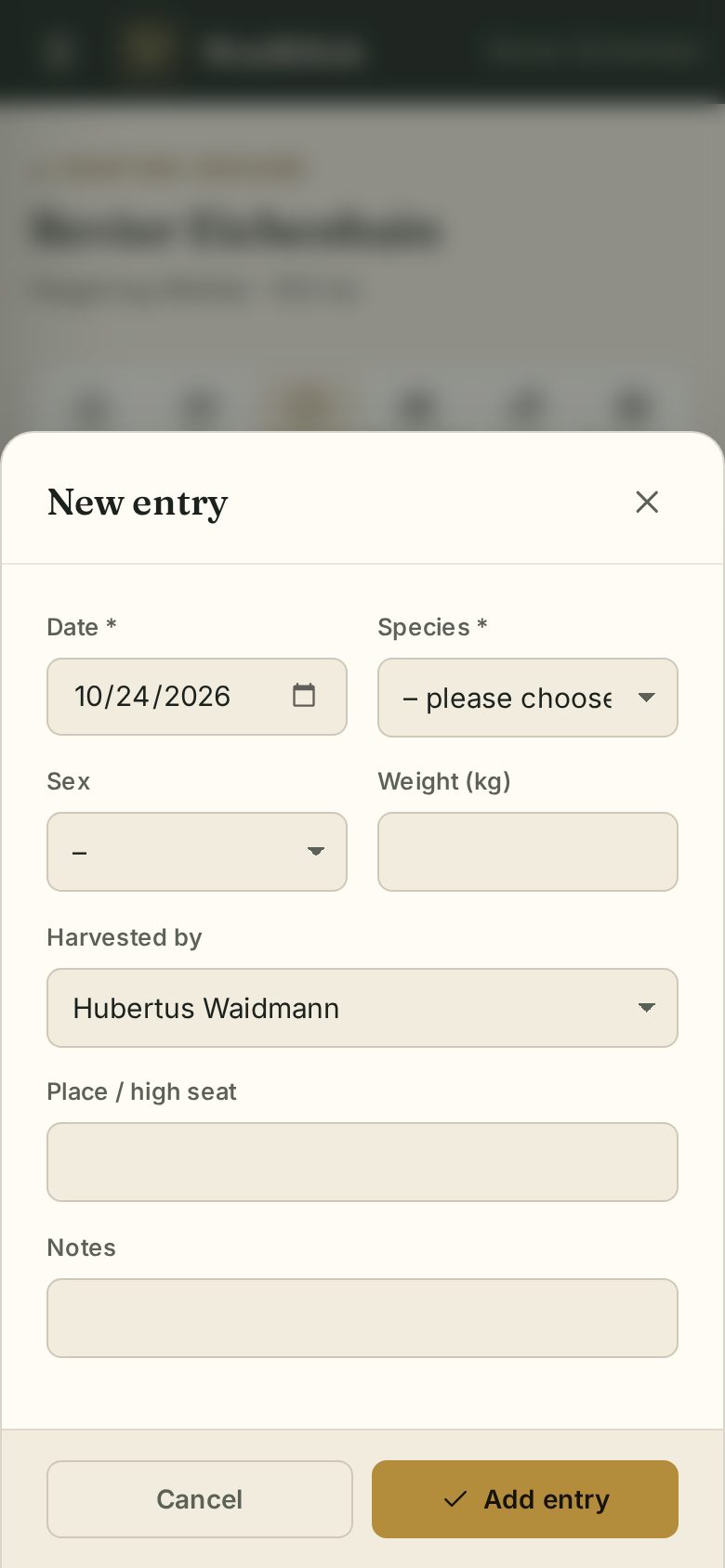
Open Harvest in the ground and tap New entry. Date and hunter (you) are already filled in; choose species, sex, weight and place and tap Add entry.
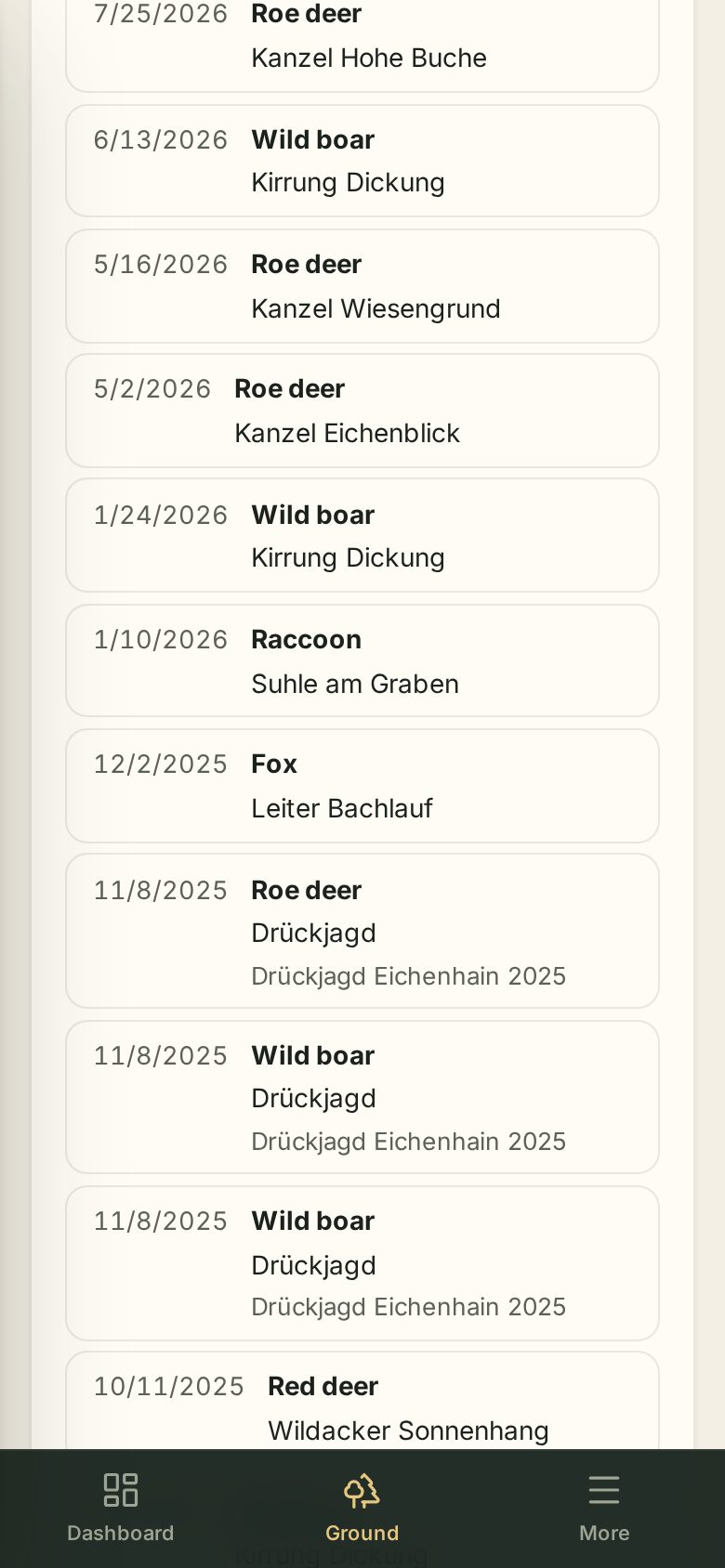
Double-tap an entry to edit or delete it.
Recording a sighting
In Monitoring tap Record sighting. Tap the map where the game stands (or My location or a high seat), then the species – each further tap counts one more animal. Save – done. Several stops of one outing land in the same round automatically.
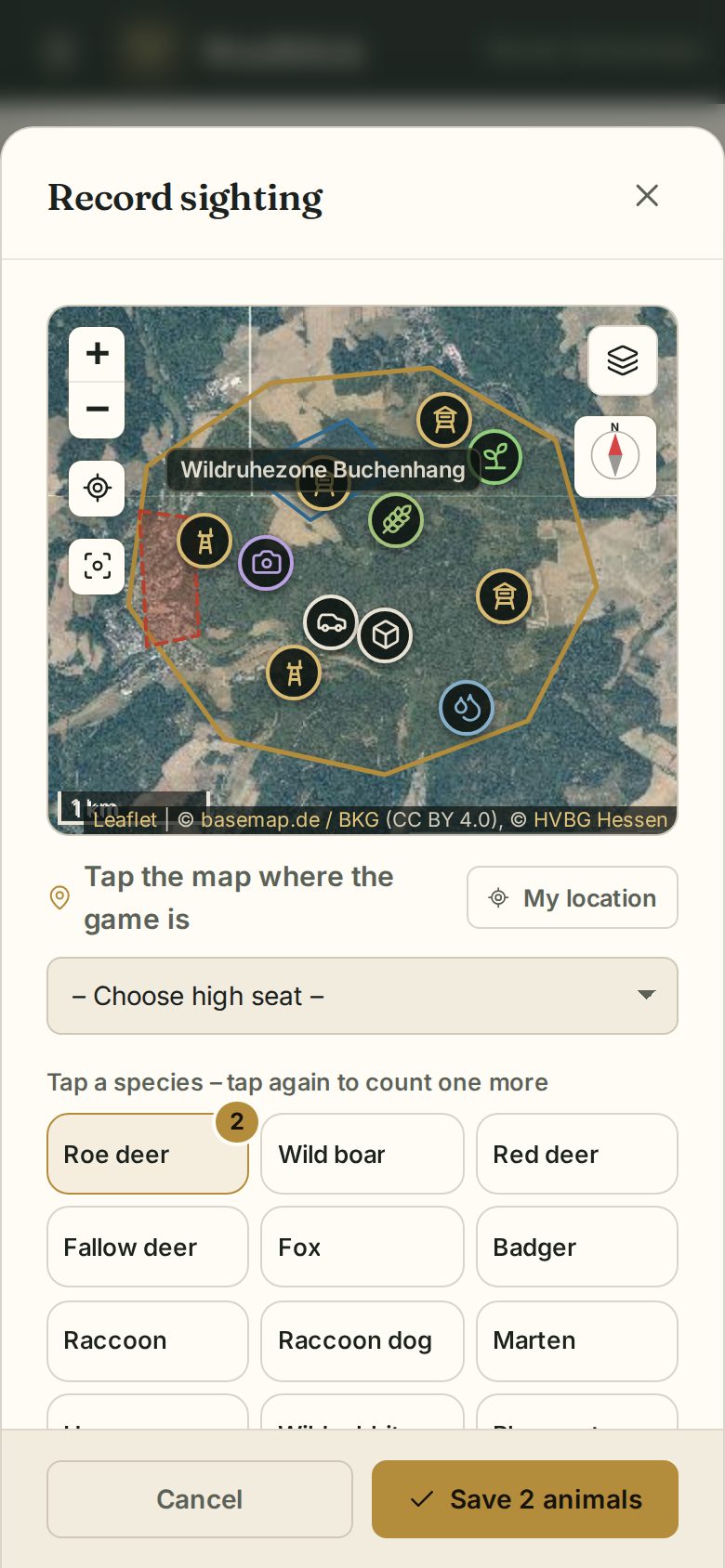
Details are in Wildlife monitoring.
Hare census
Under Hares, New census records date, start, number and weather.