Account and sign-in
Register
Open Waidblick and switch to the Register tab. Enter first name, last name, email address and a password (at least 8 characters); the phone number is optional. Create account sends you an email with a confirmation link.
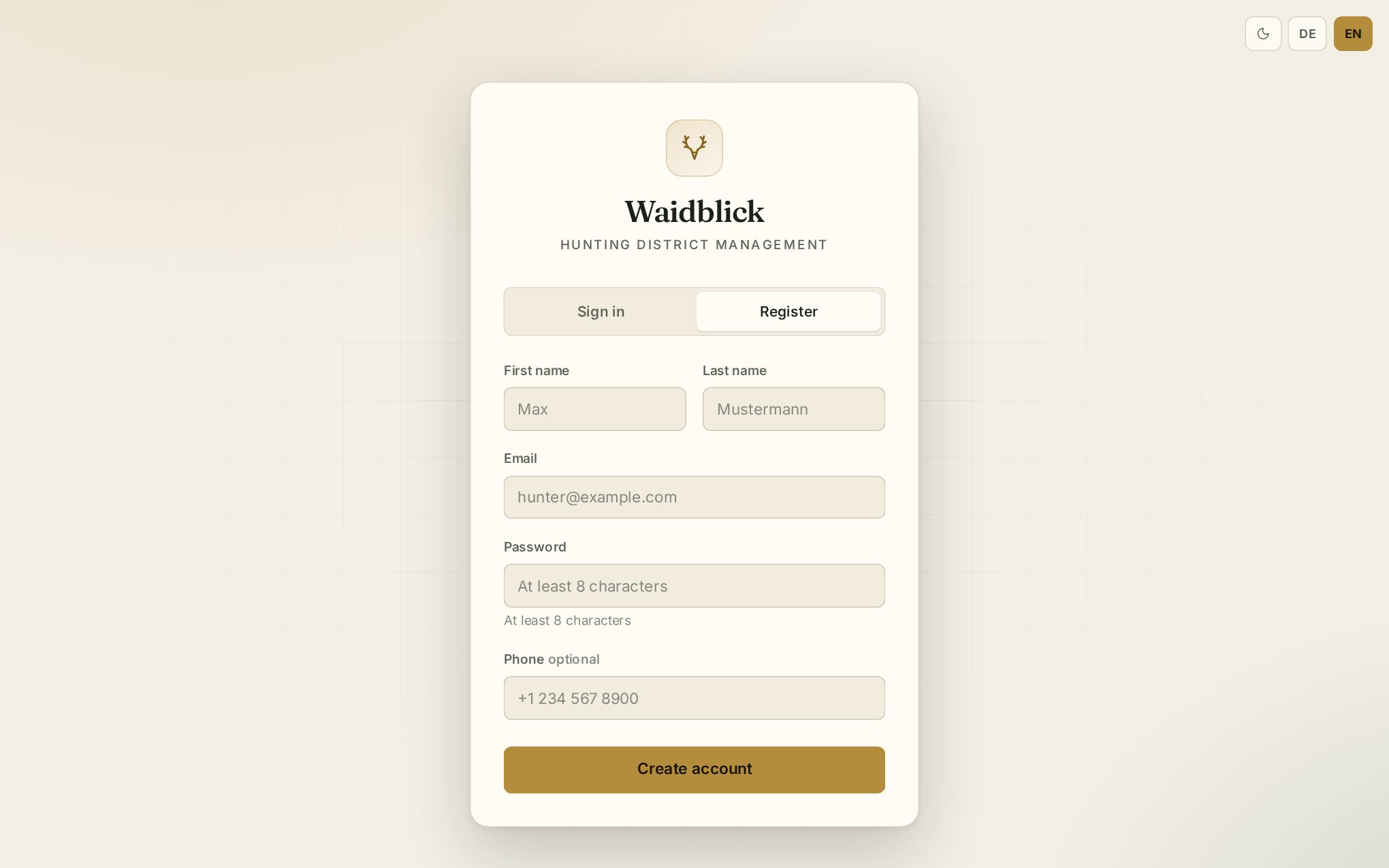
Your account becomes active once you click the link in that email. You are then signed in automatically and land on the dashboard.
If you were invited to a hunting ground, it is easiest to register through the link in the invitation email – your email address is then already filled in (see Dashboard and invitations).
Sign in
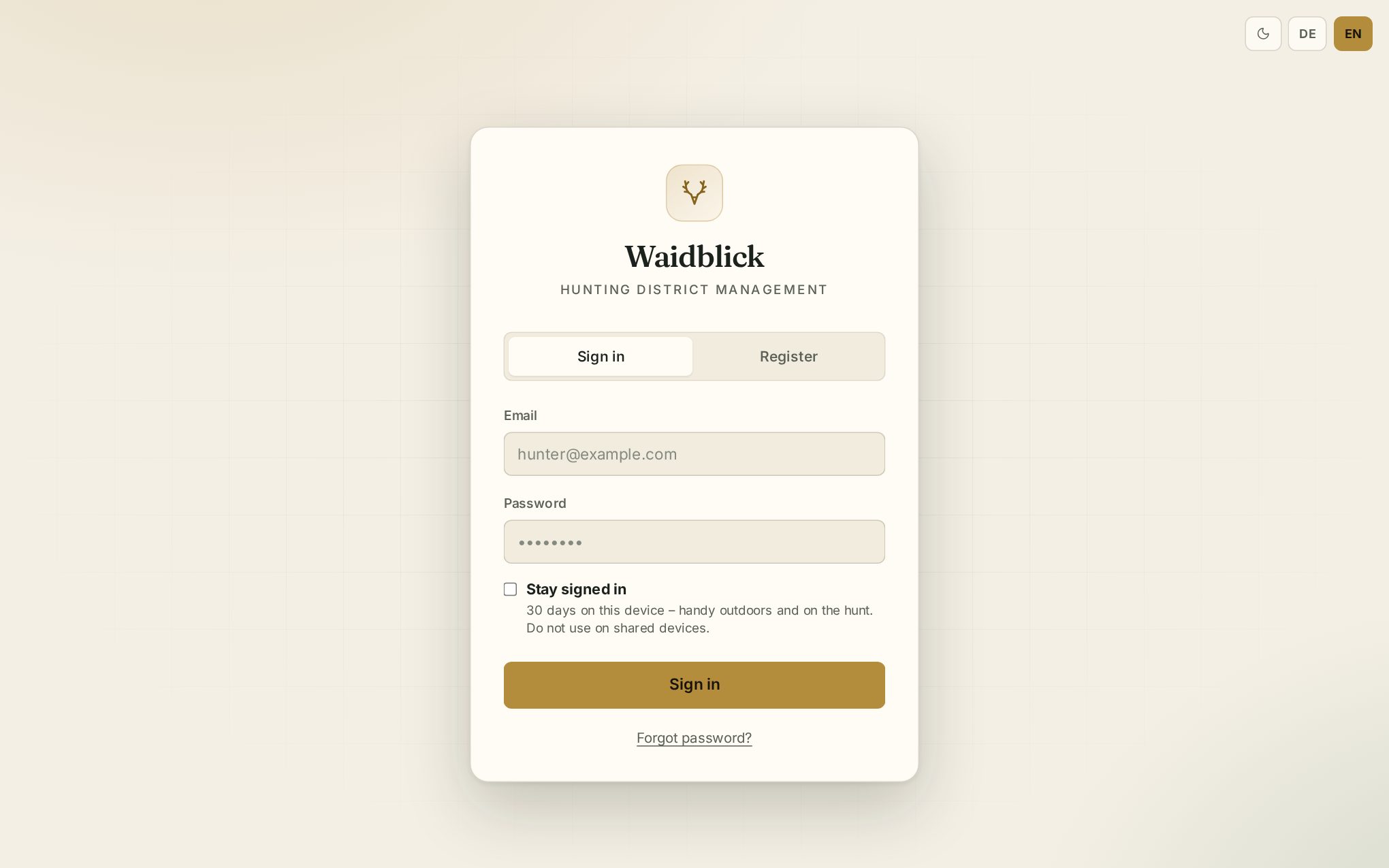
Enter your email address and password and tap Sign in.
Stay signed in
By default Waidblick signs you out after 4 hours without use. As long as you use the app, the session is extended automatically.
Tick Stay signed in to remain signed in on this device for 30 days – handy on your own smartphone so you do not have to look for your password in the field. The device remembers the setting for the next sign-in.
Forgot password
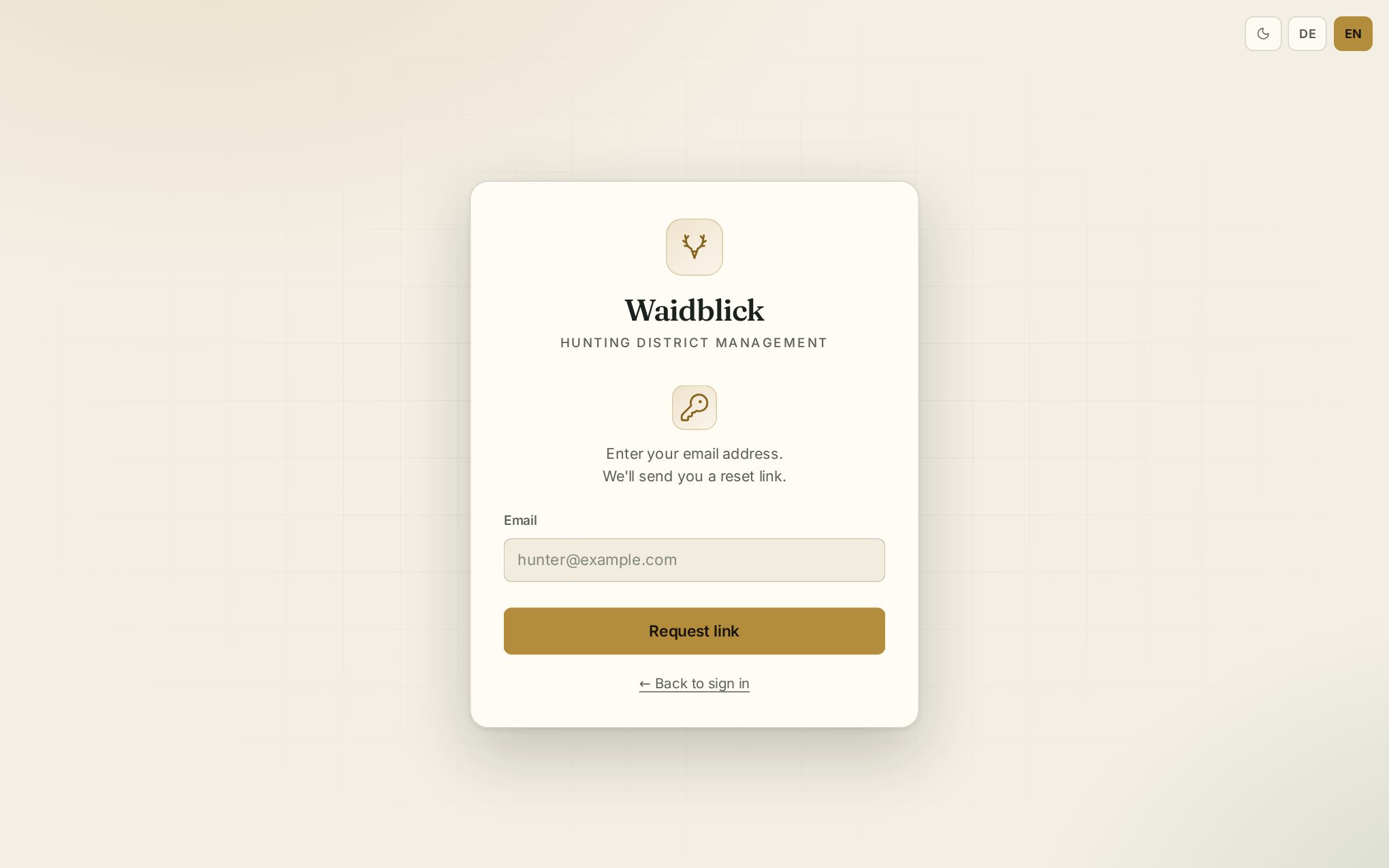
Tap Forgot password?, enter your email address and request the link. Use the link in the email to set a new password (8 to 72 characters); a meter shows how strong it is. Then sign in with the new password.
Profile, language and appearance
Your name is shown at the bottom left of the menu (on the smartphone under More). Click it to open the user menu:
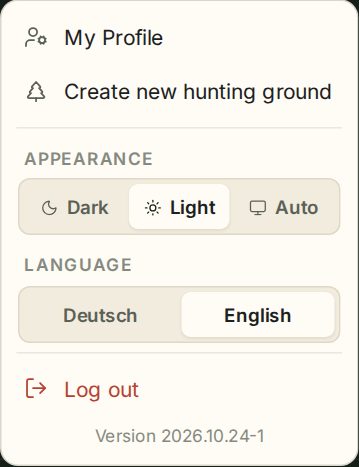
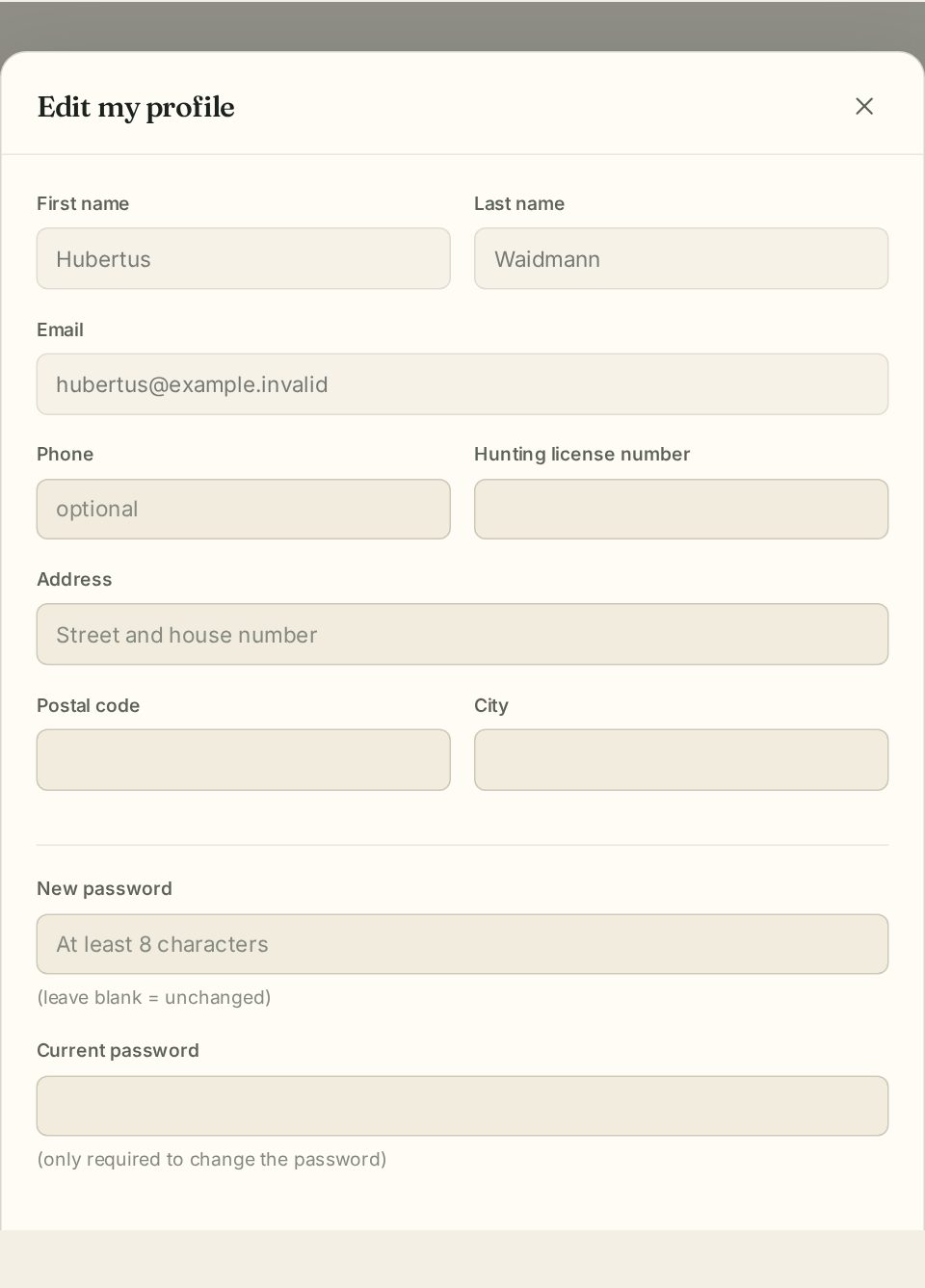
- My Profile – maintain phone, hunting license number and address and change your password. A new password requires your current one. First name, last name and email can only be changed by the administration.
- Create new hunting ground – see Create a hunting ground.
- Appearance – Dark, Light or Auto (follows your operating system).
- Language – German or English. The language applies to the app immediately; emails from Waidblick use the language stored in your profile (save your profile once to update it).
- Log out – if entries recorded offline have not been sent yet, Waidblick asks first.
- The app version number is shown at the bottom.
Messages from the administration
Occasionally a message from the administration appears after signing in, for example about new features. Got it closes it for good.